Healthy, no-plastic meals ready for you to collect — choose your home location, pick who it’s for, and place the order in the Junior Eats app.
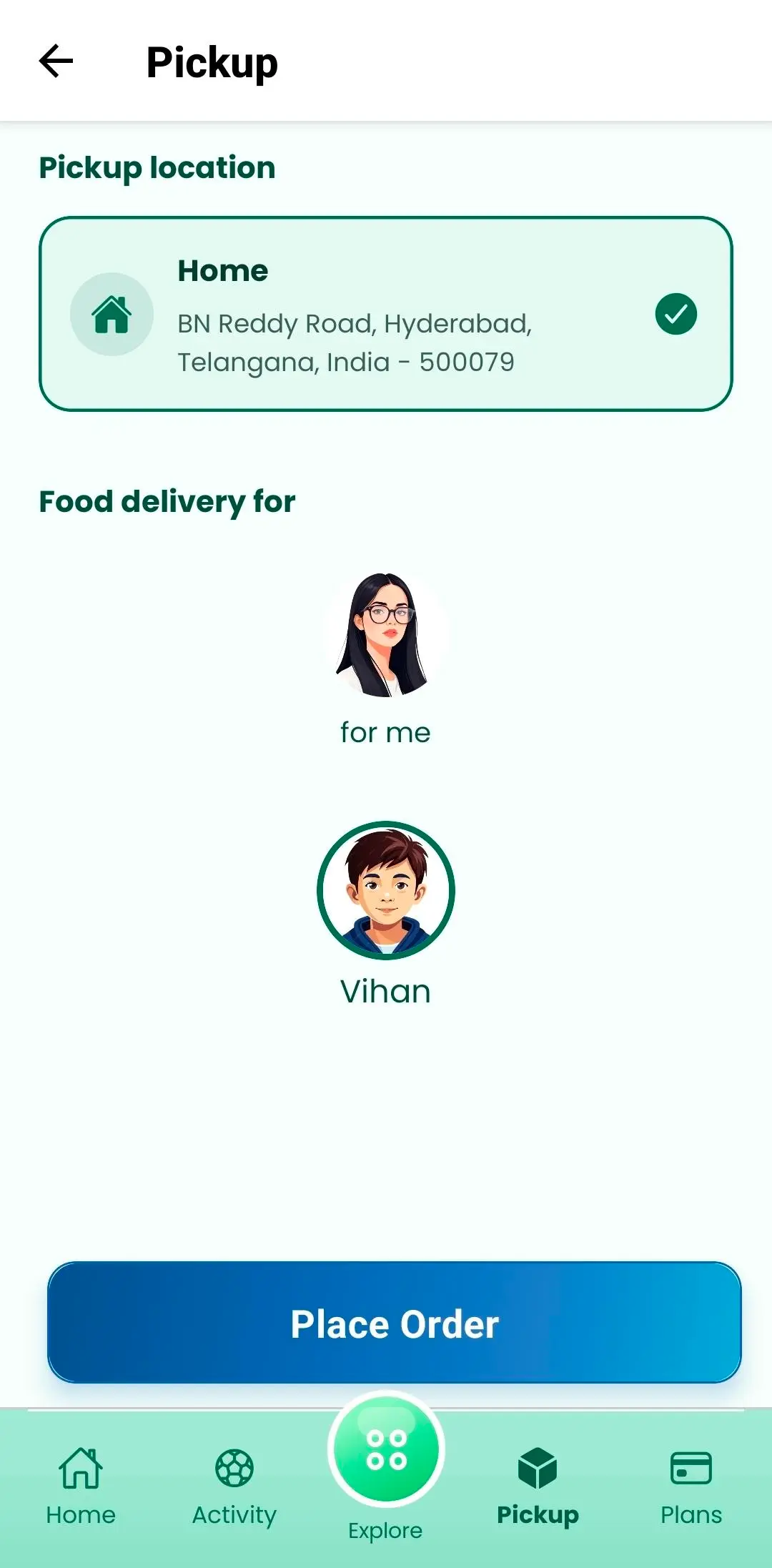
School delivery is perfect on busy school days. When you need food at home instead, open the Pickup tab — confirm your address, choose yourself or a child, and place your order.
Note
Not in your area yet? Request for service here
The same trusted kitchens and no-plastic standards — just collected when it suits you.
Use your saved home address in the Pickup tab so kitchens know where to prepare your order for collection.
Select for me or tap a child profile — just like school delivery ordering.
Tap Place Order, pick meals from the menu, pay securely, then collect when ready.
Whether it’s a holiday, work-from-home day or summer break, Pickup keeps Junior Eats meals in your routine.
Your saved home address is one tap away — no retyping every time you order.
Order for yourself or switch to a child profile so everyone gets food they enjoy.
Breakfast, lunch, snacks and drinks from the same Junior Eats-approved menus.
Hygienic packing, no preservatives, no artificial colors — our usual standards.
Use weekly or monthly meal credits on pickup orders the same way you do at school.
Switch between school delivery and pickup from the same Junior Eats home screen.
Still unsure? Message us anytime — we’re happy to help parents get started with Pickup.
Contact SupportDownload on Google Play, open the Pickup tab, and place your first home pickup order in minutes.